Help
The Help menu sits in the top bar, in the row of File / Edit / View menus, right after View (see region 1 in the Tour of Qompile). Clicking it opens a dropdown that's your entry point to onboarding and support resources:
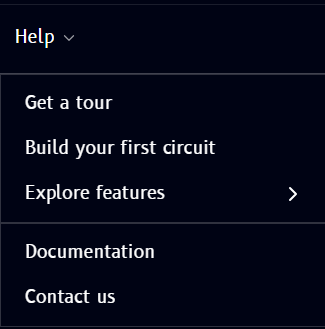
| Item | What it does |
|---|---|
| Get a tour | Launches a guided walkthrough of the Qompile interface |
| Build your first circuit | A guided tutorial for creating your first circuit |
| Explore features | Opens a submenu linking to feature-specific guides (see below) |
| Documentation | Opens this documentation site |
| Contact us | Reach out to the Qompile team for support |
Explore features submenu
Hovering Explore features opens a submenu with quick links to specific topics:
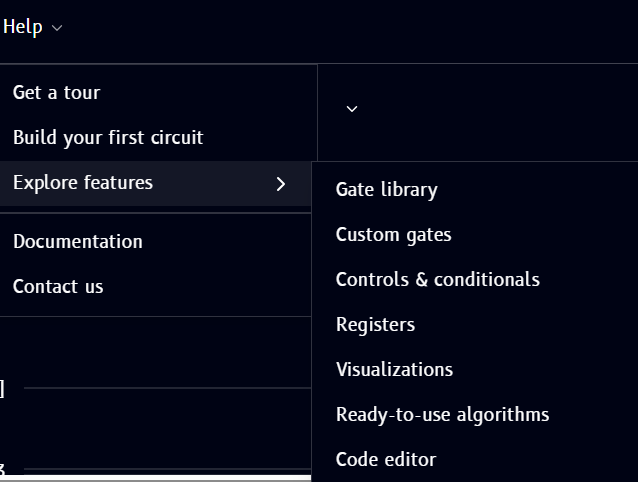
- Gate library - the Operations catalog, or the full Gate reference
- Custom gates
- Controls & conditionals - see Controls and conditionals
- Registers
- Visualizations
- Ready-to-use algorithms - see Ready algorithms
- Code editor - see Build with code